

Despite advancements in iPadOS multitasking, users are expressing a desire for simpler, more intuitive options, particularly for everyday tasks. While the introduction of windowing in iPadOS 26 offered a powerful new way to manage multiple applications, its integration with traditional multitasking features like Split View and Slide Over has, for some, introduced unnecessary complexity. As iPadOS 27 rolls out, the call for a more streamlined approach to multitasking on the iPad persists.
Evolution of iPadOS Multitasking
Apple significantly altered the multitasking landscape with iPadOS 26, introducing a new windowing system. Initially, this change led to the temporary removal of the more straightforward Split View and Slide Over features. Although these simpler multitasking modes were eventually reintroduced, their implementation within the new windowing framework has drawn criticism for being less seamless than their predecessors.
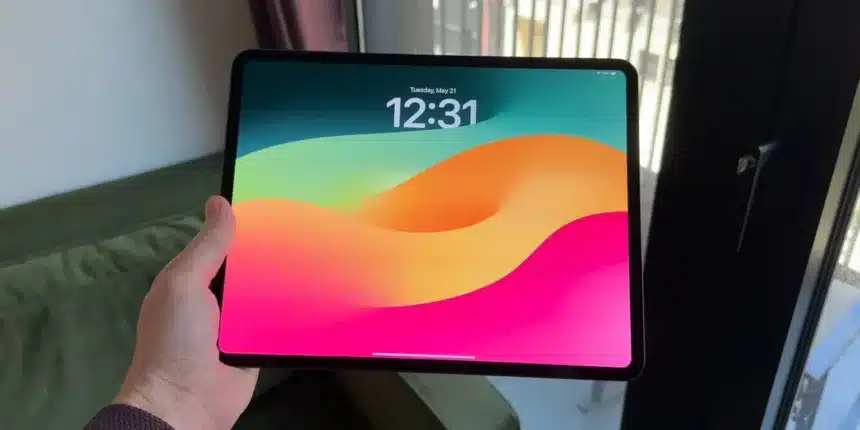
The current system, which continues into iPadOS 27, allows for robust window management, especially beneficial for users with larger iPads, such as the 13-inch iPad Pro, particularly when paired with accessories like the Magic Keyboard. This advanced windowing is well-suited for users who frequently juggle numerous applications simultaneously. However, for users on smaller iPads or those who prefer a less complex interface, the experience can be mixed.
The Complexity of Integrated Multitasking
A primary point of contention is the perceived lack of flexibility for users who do not require the full capabilities of the advanced windowing system. The current iteration often forces users into either the complex windowing environment or a full-screen-only app experience, with limited options in between. While Stage Manager is part of the advanced windowing features, it doesn’t offer a distinct alternative for those seeking simplicity.
The reintroduction of Split View and Slide Over in later iPadOS 26 betas came with a caveat: they are only accessible when the windowing system is active. This integration means that users wanting to utilize these simpler multitasking methods must navigate the complexities of the advanced windowing system. Positioning windows precisely to activate Split View or Slide Over can be a cumbersome process, a stark contrast to the effortless transitions users experienced before iPadOS 26.
Furthermore, the integration can inadvertently affect users who prefer the advanced windowing. A slight miscalculation in dragging a window could trigger Split View unintentionally, disrupting the desired workflow. While Apple has provided options to manually control Split View and Slide Over states by long-pressing the traffic light buttons, this workaround is seen by many as an inadequate solution for basic iPad usage, adding an extra step where one wasn’t previously needed.
Even a year after its introduction, the current implementation of Split View and Slide Over within the broader windowing framework is considered by some to be more complicated than necessary, detracting from the core iPad experience for many.
Proposed Solutions for Enhanced Usability
To address these concerns, a common suggestion is the implementation of two distinct multitasking modes within iPadOS: a ‘Classic’ mode and a ‘Pro’ mode.
- Classic Mode: This mode would prioritize simplicity. Apps would primarily open in full screen, but users would retain the familiar options for Slide Over and Split View. This would cater to users who want straightforward multitasking without the added layers of complexity.
- Pro Mode: This mode would encompass the advanced windowing system introduced in iPadOS 26. Within Pro mode, users could optionally enable or disable Stage Manager, providing further customization for power users.
This dual-approach system would allow users to select the multitasking environment that best suits their needs and usage patterns. It acknowledges that while advanced windowing is valuable for certain workflows, a simpler, more direct method is essential for a broader range of iPad users.
User Feedback and Future Expectations
Feedback from users highlights a consistent sentiment: the desire for Slide Over to function as it did previously, without being tied to the more complex windowing system. For many, Stage Manager is most effective when external displays or keyboards are connected, suggesting its primary utility is in transforming the iPad into a more laptop-like device. This leads to the feeling that Apple may have over-optimized for this specific use case, potentially at the expense of the core iPad experience for users who simply want their device to function as an iPad.
The suggestion of reintroducing a dedicated ‘simple’ multitasking option is seen as a significant step toward balancing the needs of different user groups. It aims to ensure that the iPad remains accessible and efficient for a wide array of tasks, from quick information checks to more involved productivity work.
Conclusion
The ongoing discussion around iPadOS multitasking underscores a clear user demand for greater flexibility and simplicity. While the advanced windowing system offers powerful capabilities for specific workflows, its integration with traditional features has created a more complex user experience than many desire. By considering a dual-mode approach, Apple could potentially satisfy both power users and those who simply want a more intuitive and streamlined multitasking interface on their iPads, ensuring the platform continues to evolve in a way that benefits all its users.