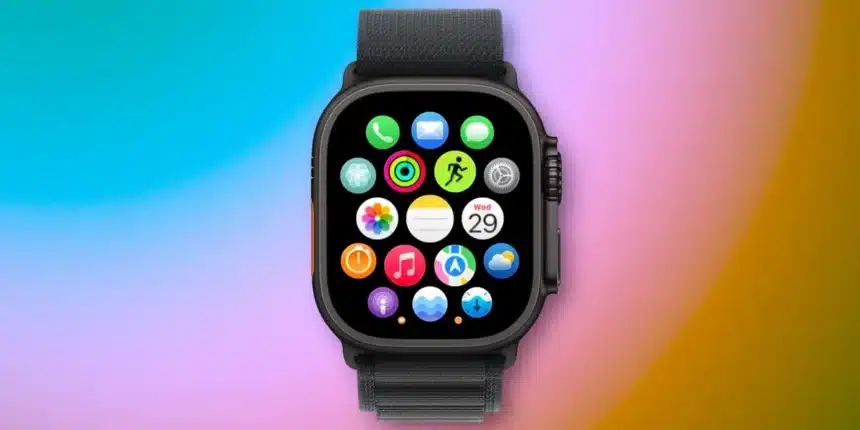
Notes App Arrives on Apple Watch with watchOS 26
Apple Watch users now access the Notes app directly from their wrist thanks to watchOS 26. This addition enables quick note viewing and creation, enhancing productivity on the go.
Core Features of the Notes App
The app supports viewing existing notes and creating new ones. Editing remains limited to completing checklist items, keeping interactions simple and focused.
Users create notes through dictation, the onscreen keyboard, or Siri integration. Siri’s voice commands prove especially handy for hands-free note-taking.
Practical Ways to Use the App
Key applications include generating notes via Siri during activities without AirPods or nearby speakers. Raise the wrist, say “Note to self,” and capture ideas instantly.
The app also excels for referencing information when the iPhone stays out of reach. Pinned notes appear at the top, followed by recent ones. A down arrow in the top-right corner collapses pinned notes for faster access to recent edits.
Customization Options
In the Watch Settings app under Notes, sorting options include Date Edited, Date Created, or Title. Users toggle grouping by date for organized views.
While usage varies, the Notes app delivers convenience in targeted scenarios, streamlining workflows directly from the Apple Watch.