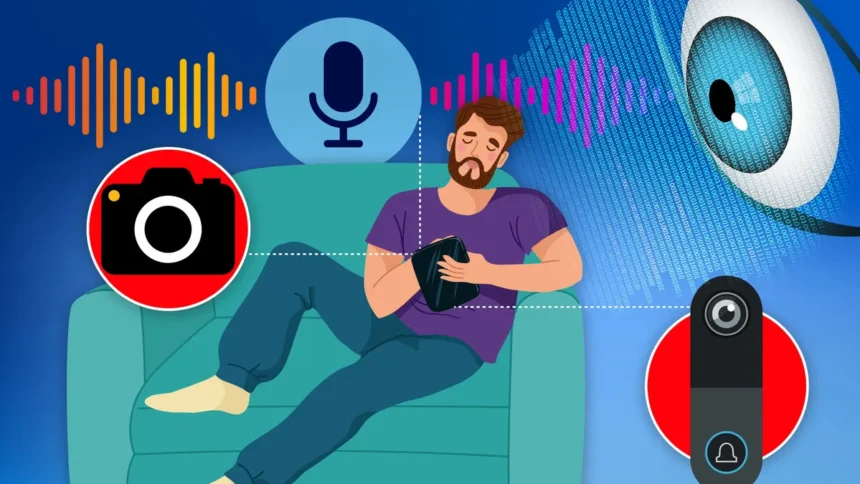
Protecting your smartphone from unauthorized access is essential to safeguard against stalkers, fraudsters, and other threats. Subtle indicators like rapid battery drain, unusual noises, or unknown apps signal potential spying. Learn to identify these signs and apply simple fixes, including an emergency reset option, to secure your device.
Microphone Surveillance
Your phone’s microphone handles sensitive conversations, making unauthorized access a major privacy risk. Malicious apps, often installed covertly by trusted contacts or through phishing, can activate it secretly.
Monitor active microphone use via an orange dot in your iPhone’s status bar. Tap it to identify the responsible app. Review permissions in Settings > Privacy & Security > Microphone to revoke access from suspicious apps, such as a calculator needing audio input. Delete untrusted apps entirely.
Enable App Privacy Report in Settings > Privacy & Security > App Privacy Report. This feature tracks app requests for microphone, camera, location, and other data with timestamps, starting from activation. Use it to spot irregular activity, like frequent activations from harmless-seeming apps.
Camera Monitoring
Your front or rear camera can also capture footage without consent. A green dot appears in the status bar during active use.
Check camera permissions in Settings > Privacy & Security > Camera. Revoke access from questionable apps. The App Privacy Report logs all camera accesses for easy review.
Location Tracking
Trackers exploit location services through apps or shared networks. In the Find My app, review shared locations with family or contacts. Remove unauthorized users, especially forgotten ex-partners, to halt real-time tracking.
For app-based tracking, inspect Settings > Privacy & Security > Location Services. Revoke permissions from unfamiliar apps disguised as tools like PDF readers. Delete suspects immediately.
Apple Account Vulnerabilities
Compromised Apple IDs expose iMessages, photos, and locations via iCloud. In Settings, tap your name to list all registered devices. Remove unknowns, particularly after selling old phones.
Enable multi-factor authentication and use unique, strong passwords. Log into iCloud.com periodically to confirm no unauthorized sessions. Change passwords if concerns arise.
Physical Snooping Detection
Close contacts may access your unlocked phone during sleep or showers. Activate Screen Time in Settings to log usage.
Review See All Activity > Day tab for timestamps. Usage at odd hours, like 3 a.m., indicates tampering. Drill into specific apps for detailed slots.
Safety Check for Full Reset
iOS’s Safety Check centralizes privacy controls. Access it via Settings > Privacy & Security > Safety Check to review and terminate all sharing agreements instantly with Emergency Reset.
Use Quick Exit to save changes and close abruptly. Regularly audit to maintain security. Note limitations: it excludes non-Apple accounts, social media, and certain device settings.
Safety Check manages access to Bluetooth, calendars, camera, contacts, files, health data, location, media, microphone, motion, photos, reminders, and more.
App and Device Sharing
Review in-app permissions separately, as Safety Check overlooks them. For Ring doorbells, log into the app or account to remove unauthorized users from footage access.
Audit all smart home devices for lingering shares with exes or unknowns. Revoke suspicious access promptly to prevent breaches.